Building Painter
A downloadable game for Windows
BUILDING PAINTER
================
PORTUGUÊS
---------
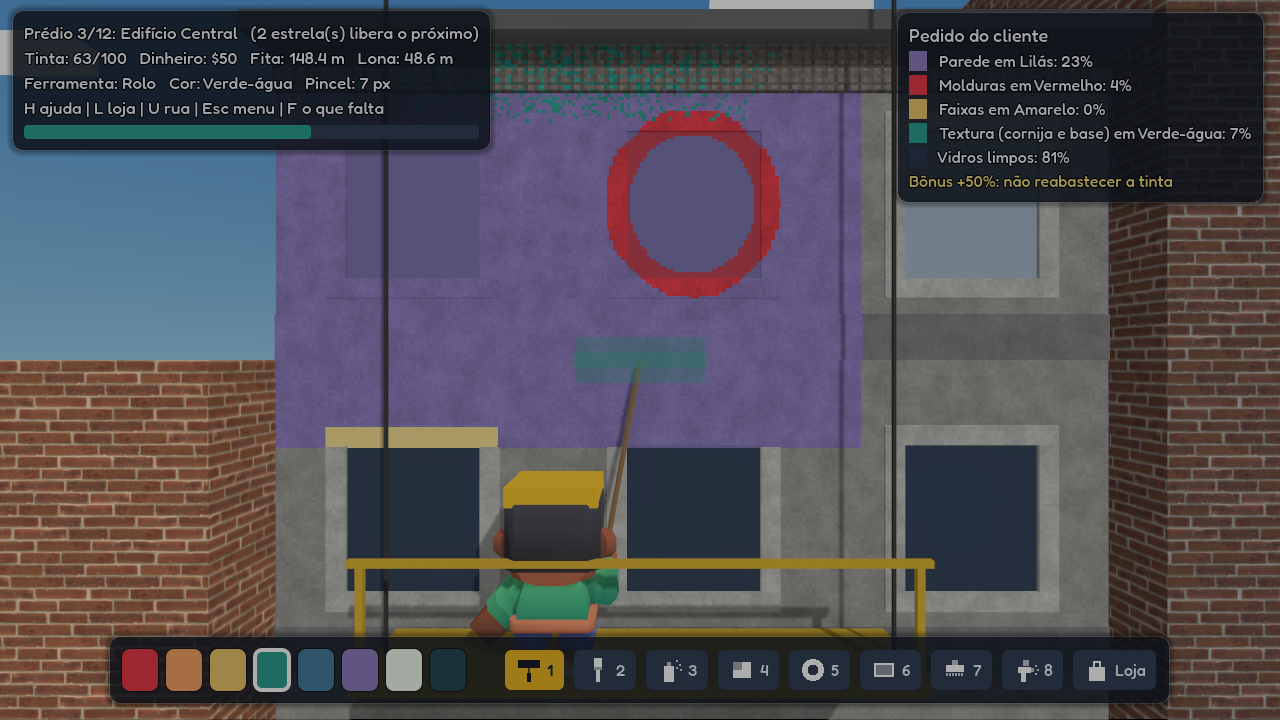
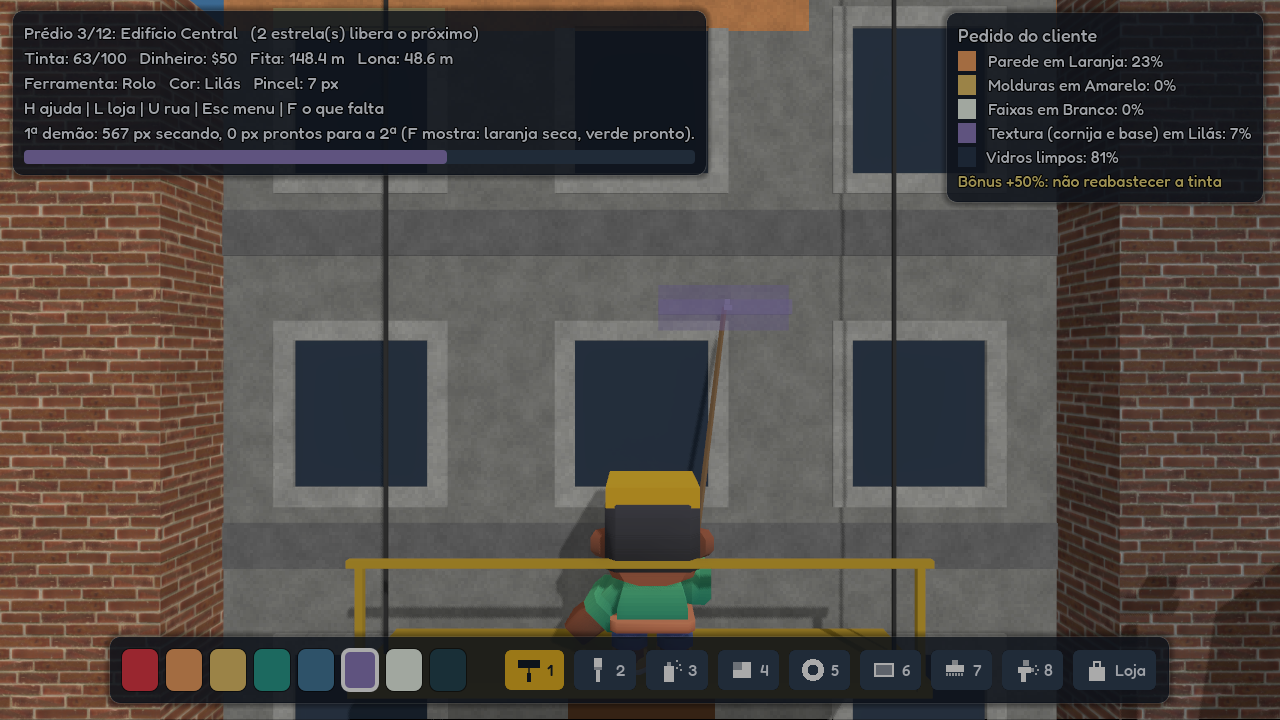
Pinte as fachadas da cidade, um prédio de cada vez.
Como jogar
1. Extraia o arquivo .zip em qualquer pasta.
2. Abra o BuildingPainter.exe (não precisa instalar).
Na primeira vez o Windows pode mostrar o aviso "O Windows protegeu o
computador", porque o jogo não tem assinatura digital. Clique em
"Mais informações" e depois em "Executar assim mesmo".
Controles principais (todos podem ser trocados em Opções)
W A S D ou setas move a ferramenta
Q / E e scroll move o andaime
Espaço ou clique usa a ferramenta
1 a 8 troca de ferramenta
Z / X troca de cor
C / V tamanho do pincel
R reabastece a tinta
F mostra o que falta pintar
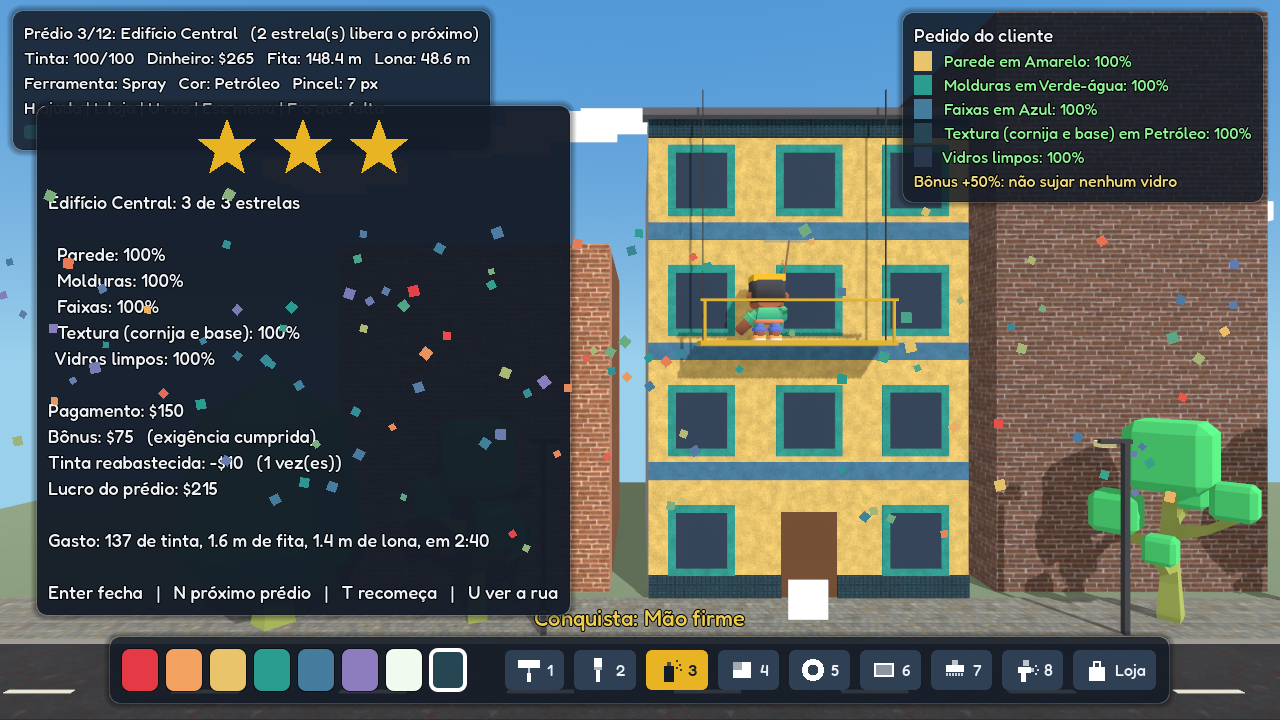
Enter entrega o prédio
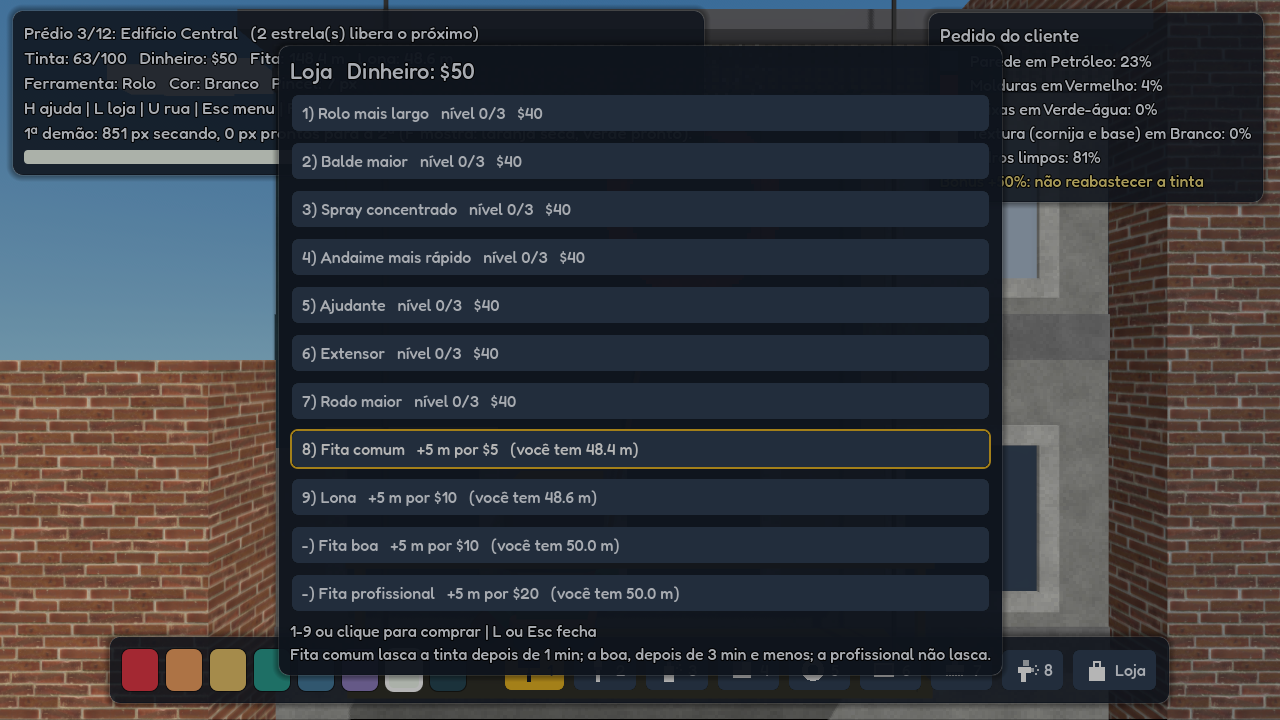
L loja, H ajuda completa, O opções, Esc menu
Também funciona com controle.
Idioma: Opções > Idioma (português ou inglês).
Requisitos: Windows 10 ou 11 de 64 bits e placa de vídeo com Vulkan.
Se o jogo não abrir ou ficar com a tela preta, use a versão de
compatibilidade (BuildingPainter-compat.exe), feita para placas antigas.
O progresso fica salvo em:
%APPDATA%\Godot\app_userdata\Building Painter
ENGLISH
-------
Paint the city's façades, one building at a time.
How to play
1. Extract the .zip file to any folder.
2. Run BuildingPainter.exe (no installation needed).
The first time, Windows may show "Windows protected your PC" because
the game is not digitally signed. Click "More info", then "Run anyway".
Main controls (all can be remapped in Options)
W A S D or arrows move the tool
Q / E and wheel move the scaffold
Space or click use the tool
1 to 8 change tool
Z / X change colour
C / V brush size
R refill paint
F show what is missing
Enter deliver the building
L shop, H full help, O options, Esc menu
Gamepads are supported.
Language: Options > Language (Portuguese or English).
Requirements: 64-bit Windows 10 or 11 and a graphics card with Vulkan.
If the game does not start or shows a black screen, use the
compatibility version (BuildingPainter-compat.exe), made for older cards.
Your progress is saved in:
%APPDATA%\Godot\app_userdata\Building Painter
Licenças de terceiros / third-party licences: veja LICENCAS.txt
Download
Install instructions
**Português**
1. Baixe o BuildingPainter-windows.zip e extraia a pasta.
2. Abra BuildingPainter.exe.
3. Se o Windows mostrar "O Windows protegeu o computador", clique em "Mais informações" e depois em "Executar assim mesmo". O aviso aparece porque o jogo não tem assinatura digital.
4. Se o jogo não abrir ou ficar com a tela preta, use a versão BuildingPainter-windows-compat.zip, feita para placas de vídeo antigas.
Não precisa instalar nada. O progresso fica salvo automaticamente.
**English**
1. Download BuildingPainter-windows.zip and extract the folder.
2. Run BuildingPainter.exe.
3. If Windows shows "Windows protected your PC", click "More info" and then "Run anyway". This appears because the game is not digitally signed.
4. If the game does not start or shows a black screen, use BuildingPainter-windows-compat.zip, made for older graphics cards.
No installation needed. Your progress is saved automatically.
Development log
- **Building Painter is out!6 days ago
Leave a comment
Log in with itch.io to leave a comment.